Cosplay to Anime Generator
Cosplay to Anime AI Generator: Break the 3D Wall from Cosplay Photos | Pikanim
Transform cosplay photos into cel-shaded anime character illustrations. Break the 3D wall and bring cosplay to life with Pikanim free online.
Cosplay to Anime AI Generator: Break the 3D Wall from Cosplay Photos | Pikanim
Transform cosplay photos into cel-shaded anime character illustrations. Break the 3D wall and bring cosplay to life with Pikanim free online.
Best for convention photos and costume portraits to create anime character sheets.


Created with Cosplay to Anime
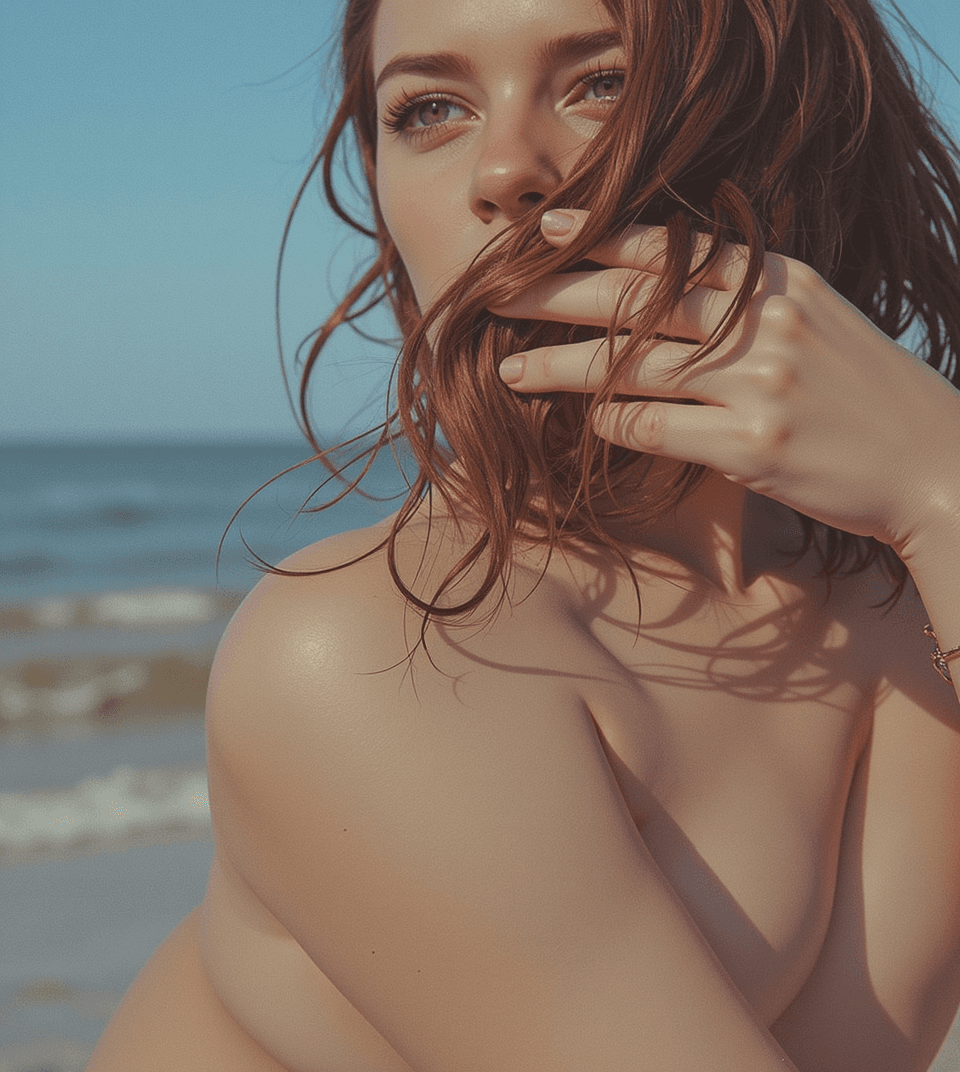
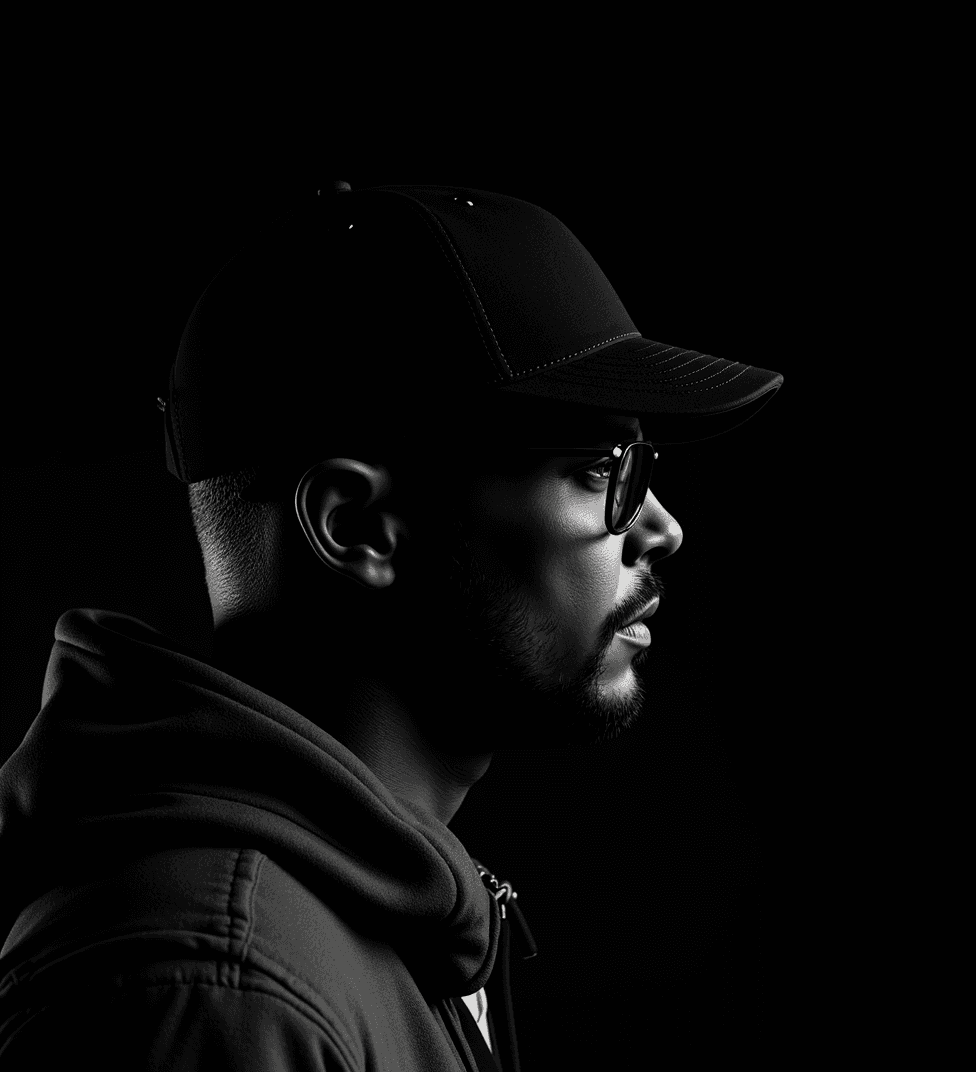
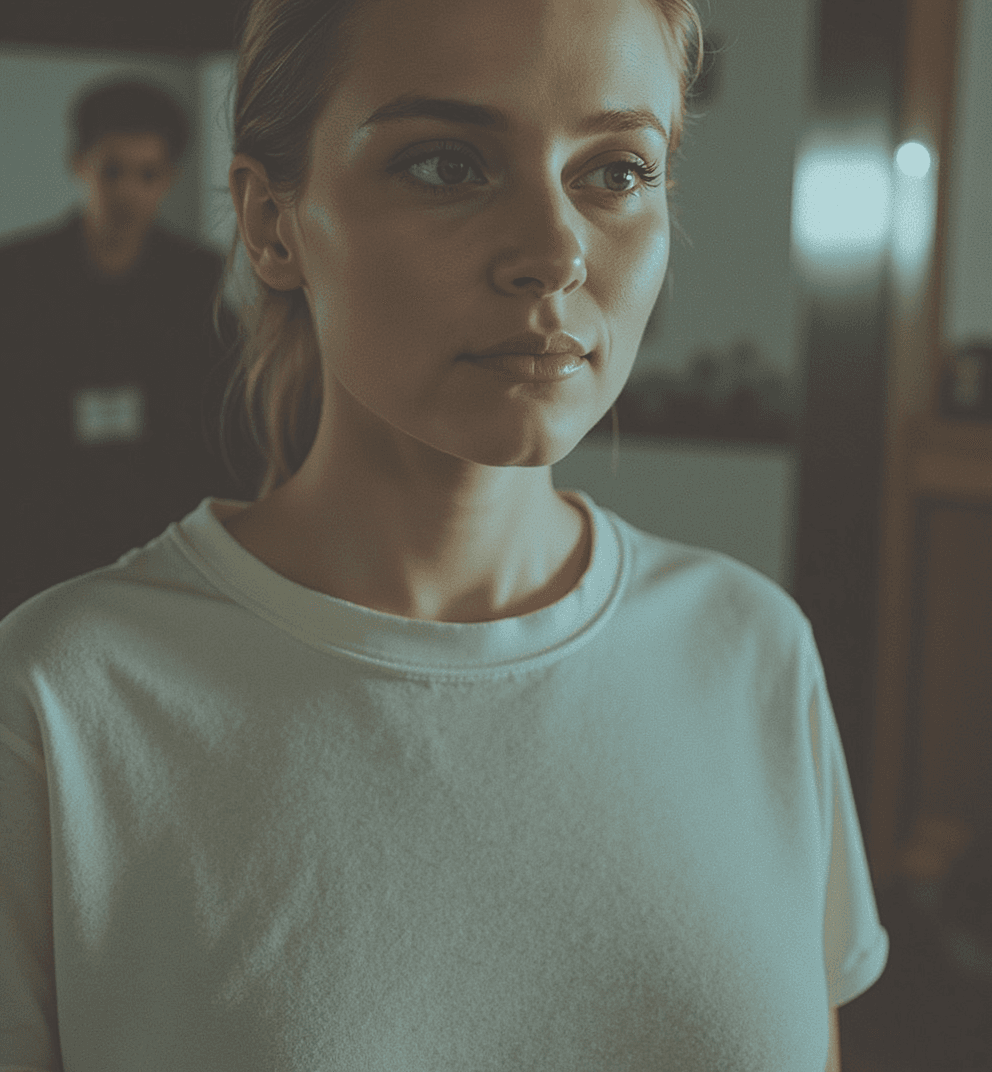
Explore what is possible. From cinematic shots to character portraits, see how this style transforms ordinary photos.


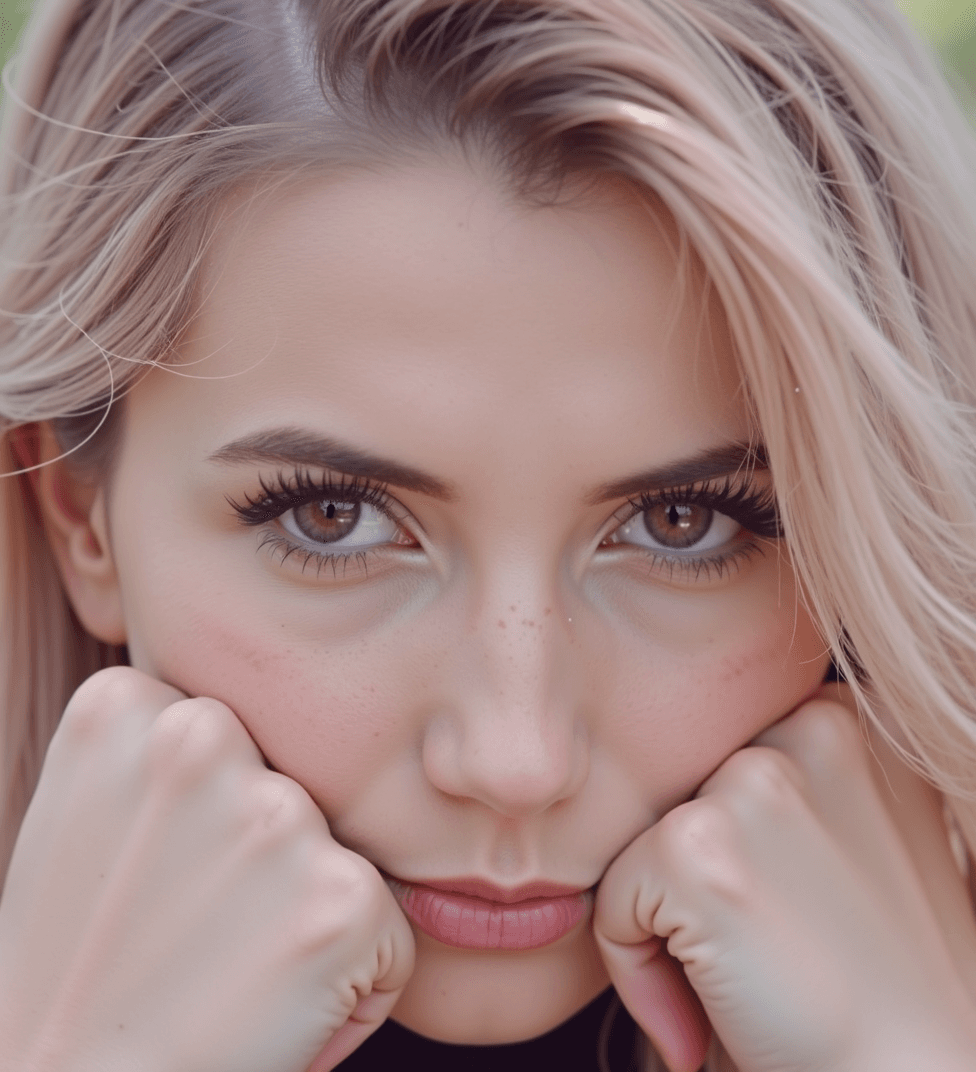
$ cat /etc/cosplay-to-anime/specs.conf
Technical configuration parameters for the Cosplay to Anime AI rendering pipeline. Each node defines how the model interprets and stylizes your input.
// Cosplay to Anime style preset — Pikanim inference node v2 — specs subject to model updates
How to create Cosplay to Anime Photos
Transform your media in three simple steps. No complex prompts or technical skills required.
Upload Photo
Start by uploading your original image. For best results, use clear, well-lit media.
Apply Filter
Select the Cosplay to Anime preset. You can adjust the intensity to get the perfect look.
Generate & Download
Our AI processes your media in seconds. Preview the result, download, and share it!
Questions, Answered
Practical answers for teams evaluating this style for campaign production, output quality, and compliance-ready delivery.
Discover More Anime Aesthetics
Keep exploring related styles. Every page links back so Google can index your full catalog.