How to Turn Your Game Screenshots into Stunning Anime Movie Posters
Transform your Elden Ring, Cyberpunk, and Genshin screenshots into high-end anime art in 3 clicks. No Photoshop or GPU required — just drop your capture and let Pikanim do the magic.
How to Turn Your Game Screenshots into Stunning Anime Movie Posters
You just pulled off an insane boss kill in Elden Ring. Or maybe you captured that perfect golden-hour moment in Genshin Impact's Liyue. The screenshot is so good you want to frame it — but what if it looked like an actual anime movie poster instead?
That's exactly what we're going to do today, using nothing but your browser.
Why Game Screenshots Are Perfect for AI Anime Conversion
Game developers spend years painstakingly crafting lighting, composition, and color grading that already feels cinematic. When you feed a well-composed game screenshot to an AI anime filter, the result often looks better than using real-world photos — because the source material is already a carefully designed visual scene.
Some of the best games for anime conversion include:
- Elden Ring — dramatic lighting and epic scale translate beautifully to dark-fantasy anime styles
- Cyberpunk 2077 — neon-drenched cityscapes are a perfect match for cyberpunk and synthwave filters
- Genshin Impact — the cel-shaded art direction means you can warp it into almost any anime aesthetic
- Red Dead Redemption 2 — sweeping landscapes become stunning Ghibli-esque background paintings
The 3-Step Transformation (No Signup Required)
Here's the recipe. No complicated prompt engineering, no local GPU setup:
Upload your screenshot — head over to the Pikanim Cyberpunk Neon Generator (or pick any style from our 61+ filter library). Drop your game capture directly into the browser workspace.
Choose your aesthetic — the Pikanim rendering engine automatically analyzes your image's lighting, subject composition, and color palette. Select cyberpunk neon for that Edgerunners look, or 90s retro anime for a vintage VHS OVA vibe.
Export and share — hit render, wait a few seconds while the laser-scan animation processes, and download your 4K anime-style poster. No watermarks on paid plans.
Best Screenshot Types for Each Style
| Game Genre | Best Style Match | Why It Works |
|---|---|---|
| Open-world RPG (Elden Ring, Witcher 3) | Dark Fantasy / 90s Retro | Dramatic lighting, epic landscapes |
| Cyberpunk / Sci-fi (Cyberpunk 2077, Starfield) | Cyberpunk Neon | Neon lights, high contrast, urban grit |
| Anime-style Games (Genshin, Persona) | Any style | Cel-shaded originals adapt to any filter |
| Racing / Car Games (Forza, NFS) | Flat Art / Vector | Clean lines, high saturation |
Before/After: Cyberpunk 2077 Screenshot → Anime Poster
The transformation is instant and dramatic. Street-level cyberpunk screenshots with heavy neon lighting, rain-slicked pavement, and towering megastructures produce the most striking anime conversions. The Pikanim engine preserves the original composition while completely reinterpreting the texture and lighting through an anime lens.
Try it yourself below.
Ready to try this Cyberpunk Neon style?
No downloads, no GPU setup. Drop your photo and see the cyberpunk neon transformation in seconds.
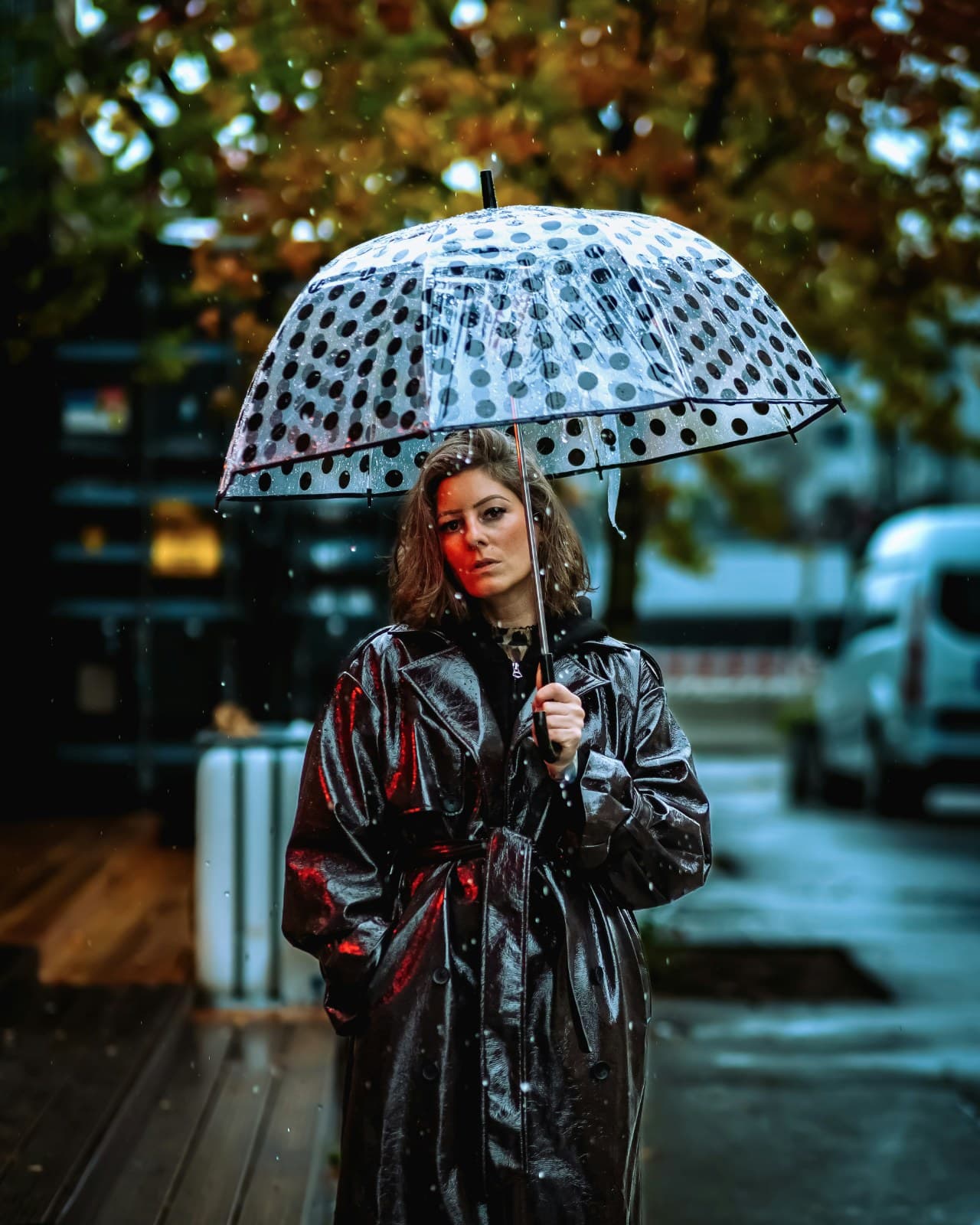 BEFORE
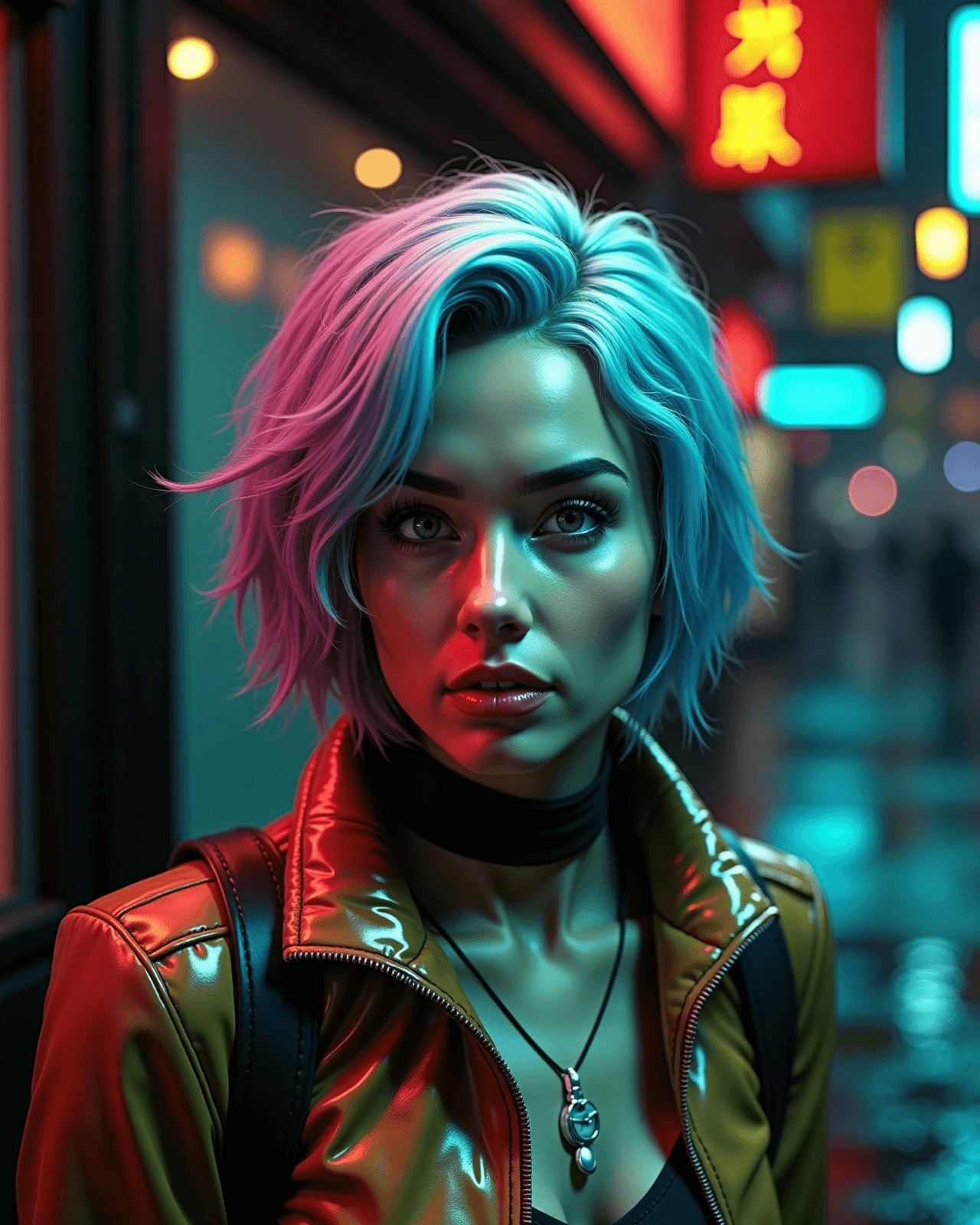 AFTER
AFTER